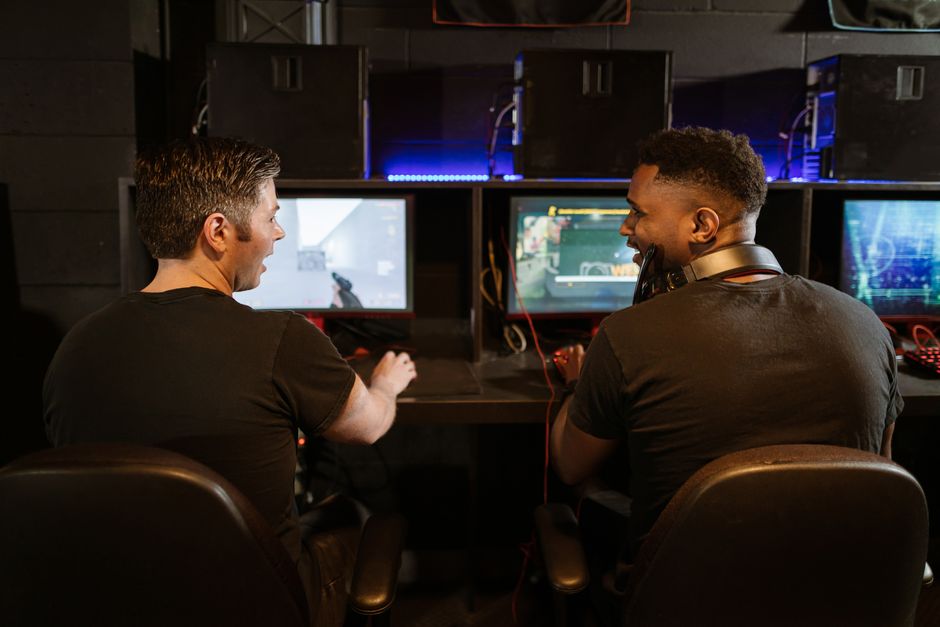










In recent years, gaming has evolved from a simple pastime to a multi-billion-dollar industry, with millions of enthusiasts seeking the best performance and experience. One of the most exciting aspects of this evolution is the ability for gamers to build their own gaming PCs. This guide aims to provide you with everything you need to know about becoming a gaming PC builder, from choosing the right components to assembling your machine.
Understanding Your Needs
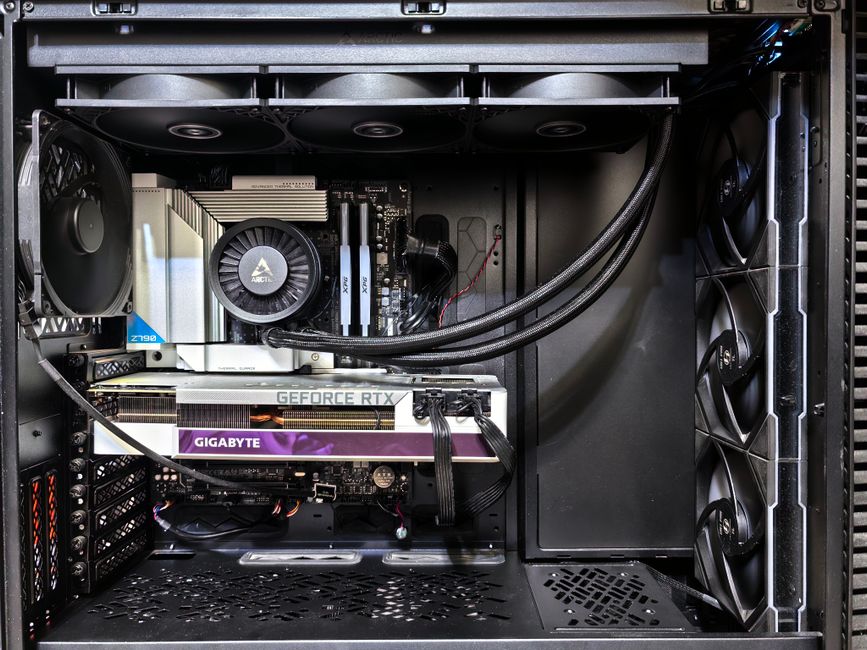
Before diving into the world of PC building, it’s crucial to assess your gaming needs. Are you a casual gamer who enjoys simple titles, or are you an avid player of resource-intensive games? This distinction will significantly impact your choice of components.
For casual gaming, a mid-range setup with a decent CPU and GPU will suffice. However, if you are looking to play the latest AAA titles in high settings, you will need to invest in more powerful hardware. Understanding your gaming habits will help you make informed decisions when selecting components.
Moreover, it’s essential to consider future-proofing your build. As games become increasingly demanding, opting for slightly more powerful components can save you from needing upgrades in the near future. Additionally, make sure to keep an eye on emerging technologies such as ray tracing and AI-driven enhancements, which can affect your hardware decisions.
Selecting the Right Components
Choosing the right components is perhaps the most critical step in building a gaming PC. Key components include the CPU, GPU, RAM, motherboard, storage, and power supply. Each of these elements plays a crucial role in your system’s overall performance.
For the CPU, consider models from Intel or AMD, as they offer a range of options suitable for gaming. For instance, AMD’s Ryzen series has gained popularity for its excellent multi-core performance, which can be beneficial in modern gaming.
When it comes to the GPU, brands like NVIDIA and AMD dominate the market. Depending on your budget, you can choose from entry-level GPUs to high-end models that can handle 4K gaming. Remember that a powerful GPU is essential for a smooth gaming experience, especially for graphically demanding titles.
In addition to the main components, peripherals such as monitors and gaming chairs also play a significant role in your gaming experience. A high-refresh-rate monitor can enhance your gameplay, while a comfortable chair can make long gaming sessions more enjoyable.
Assembling Your Gaming PC
Once you have selected your components, it’s time to assemble your gaming PC. This process can seem daunting, but it is straightforward if you follow a step-by-step approach. Start with the motherboard; installing the CPU and RAM is typically the first step. Make sure to consult the manuals for specific instructions on installation.
Next, install the GPU, ensuring it is securely seated in the PCIe slot. After that, connect your storage devices, whether they are SSDs or HDDs. Finally, connect the power supply and make sure all cables are organized to avoid obstructing airflow.
After assembly, it’s crucial to test your build. Boot up your PC and enter the BIOS to ensure all components are recognized. Once confirmed, install your operating system and any necessary drivers. Testing your gaming setup with a few titles will help you gauge performance and ensure everything runs smoothly.
Maintenance and Upgrades
After successfully building your gaming PC, maintenance is vital for ensuring its longevity and performance. Regularly clean your system, focusing on fans and heatsinks to prevent dust buildup, which can lead to overheating.
Keep your drivers updated to ensure optimal performance in new games. Moreover, monitoring your system’s temperatures can help you identify any issues before they become critical.
As technology advances, consider upgrading components periodically. For instance, upgrading your GPU can significantly improve gaming performance without the need to build an entirely new system.
Leveraging Online Resources
Building a gaming PC is an exciting journey, and plenty of online resources can assist you along the way. Websites dedicated to PC building often provide comprehensive guides and forums where you can ask questions and share experiences.
One excellent resource for aspiring gaming PC builders is gaming PC builder websites, which allow you to compare prices and compatibility among various components. These platforms can help you stay within budget while ensuring that your selected parts work well together.
Conclusion
Building your own gaming PC can be a rewarding experience that enhances your gaming sessions. By understanding your needs, selecting the right components, and following proper assembly techniques, you can create a powerful machine tailored to your preferences. Remember that maintaining and upgrading your PC will keep it performing at its best, allowing you to enjoy the latest games for years to come. With the right resources at your disposal, you can embark on this exciting journey with confidence.