









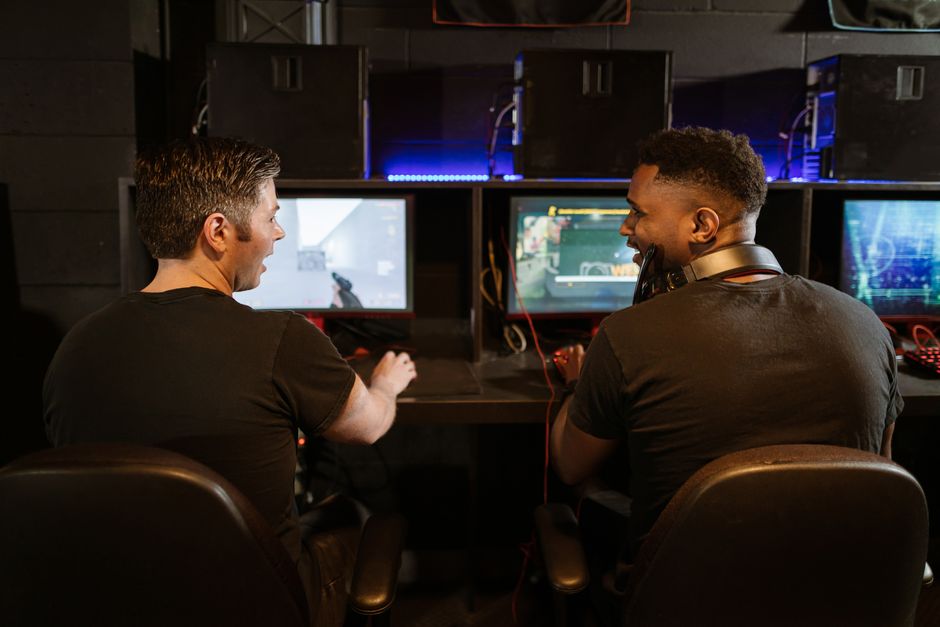
In the rapidly evolving world of gaming, having a high-performance PC can significantly enhance your gaming experience. Whether you’re a casual gamer or a serious eSports competitor, building your own gaming PC allows you to customize every aspect to meet your specific needs. This guide will walk you through the essential components, considerations, and steps to create a powerful gaming rig that stands the test of time.
Understanding the Basics of a Gaming PC
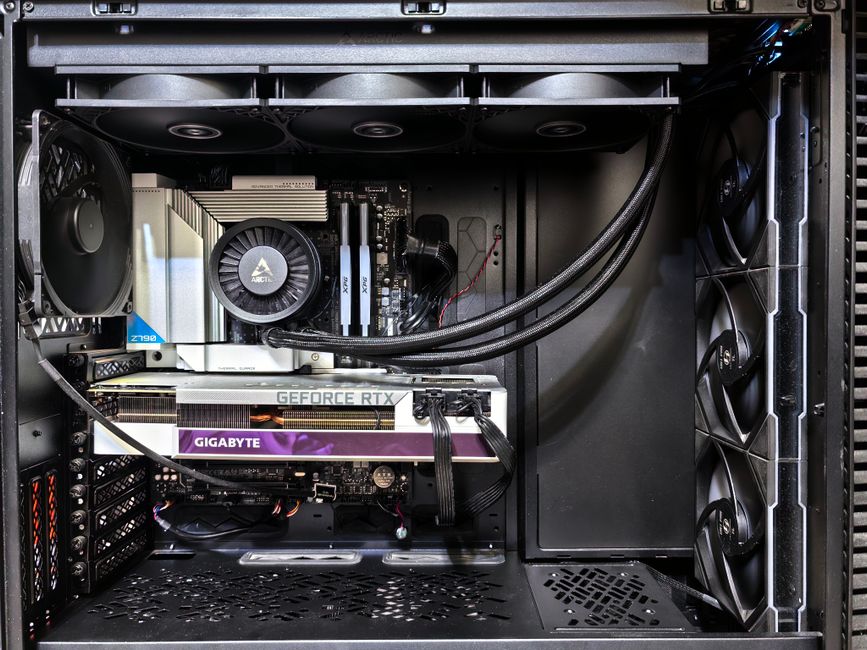
Before diving into the components, it’s crucial to understand what makes a gaming PC different from a regular one. A gaming PC is designed to handle graphics-intensive tasks and provide high frame rates, which are essential for an immersive gaming experience. Key components include the CPU, GPU, RAM, storage, and cooling systems. Each of these parts plays a vital role in the overall performance of your machine.
The CPU (Central Processing Unit) acts as the brain of your computer. It processes the instructions of your games and applications. For gaming, a multi-core processor is often recommended, as it can handle multiple tasks simultaneously.
The GPU (Graphics Processing Unit) is arguably the most critical component for gaming. It renders images, animations, and video for the display. A good GPU can make the difference between a smooth gaming experience and frustrating lag.
Choosing the Right Components
When selecting components for your gaming PC, compatibility is key. Each part must work well with the others to ensure optimal performance. One popular resource for aspiring builders is the gaming PC builder tool, which helps you select compatible components and stay within your budget.
Start with the motherboard, as it determines what CPU and RAM you can use. Make sure to select a motherboard that supports the features you want, such as multiple GPU support or high-speed connectivity options.
Next, consider the RAM (Random Access Memory). For gaming, 16GB is typically sufficient, but 32GB can provide a more future-proof build, especially for streaming and multitasking.
Building Your PC: Step by Step
Once you have your components, it’s time to assemble your gaming PC. Begin by preparing your workspace with a clean, static-free environment. Gather all your tools, such as a screwdriver and anti-static wristband.
Start with the motherboard. Install the CPU and RAM on the motherboard before placing it in the case. This makes the process easier and reduces the risk of damaging components.
Next, install the power supply and connect it to the motherboard and other components. Then, secure the GPU in its slot and connect any necessary power cables. Finally, organize your cables for better airflow and aesthetics.
Testing and Troubleshooting
After assembling your gaming PC, it’s crucial to test it before diving into gaming. Start by checking that all components are recognized by the BIOS. If you encounter issues, double-check your connections and ensure all components are properly seated.
Once you confirm everything is working, install your operating system and drivers. This step is essential for ensuring your games run smoothly and that your hardware performs optimally.
If you experience performance issues, consider monitoring your temperatures and usage. Tools like MSI Afterburner can help you keep track of your GPU and CPU usage, allowing you to adjust settings for better performance.
Maintaining Your Gaming PC
To keep your gaming PC running at its best, regular maintenance is essential. Dust can accumulate inside your case, causing overheating. Regularly clean your components and ensure proper airflow.
Additionally, keep your software up to date. This includes your operating system, drivers, and games. Updates often include performance enhancements and security patches that can help improve your overall gaming experience.
Lastly, consider upgrading your components over time. As new games come out that demand more power, upgrading your GPU or adding more RAM can help extend the life of your gaming PC.
Conclusion
Building a gaming PC can be a rewarding experience that allows you to create a machine tailored to your gaming needs. By understanding the components, carefully selecting parts, and following the assembly process, you can build a powerful gaming rig that enhances your gaming experience. Whether you’re playing the latest AAA titles or engaging in competitive eSports, a well-built gaming PC can make all the difference.